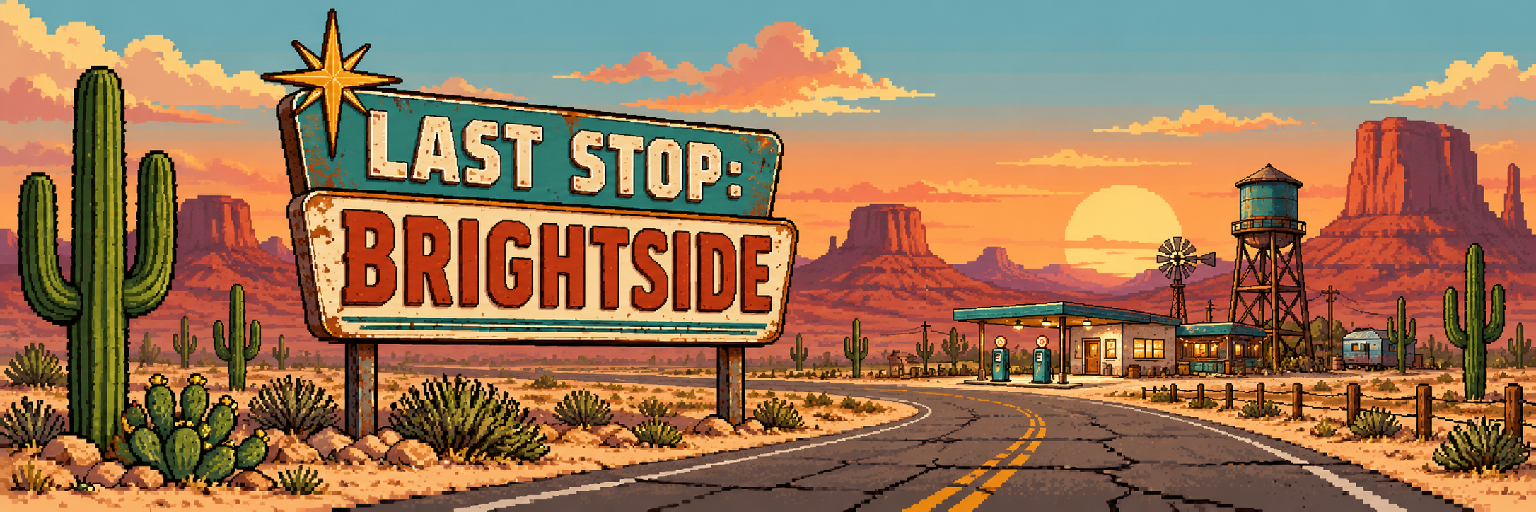
Last Stop: BRIGHTSIDE
In active development
Last Stop: BRIGHTSIDE is still in development and will be continually updated with improvements and new content.
New: rebuild the roadside
Restore a guarded garage for daily salvage, sheltered rest, and exclusive rifle plans. The pumping station and later regions are reserved for the full game in the new browser demo. Both projects include new quests, crafting recipes, card art, and backgrounds; progress stays with your save.
The highway ends here. Your story doesn’t have to.
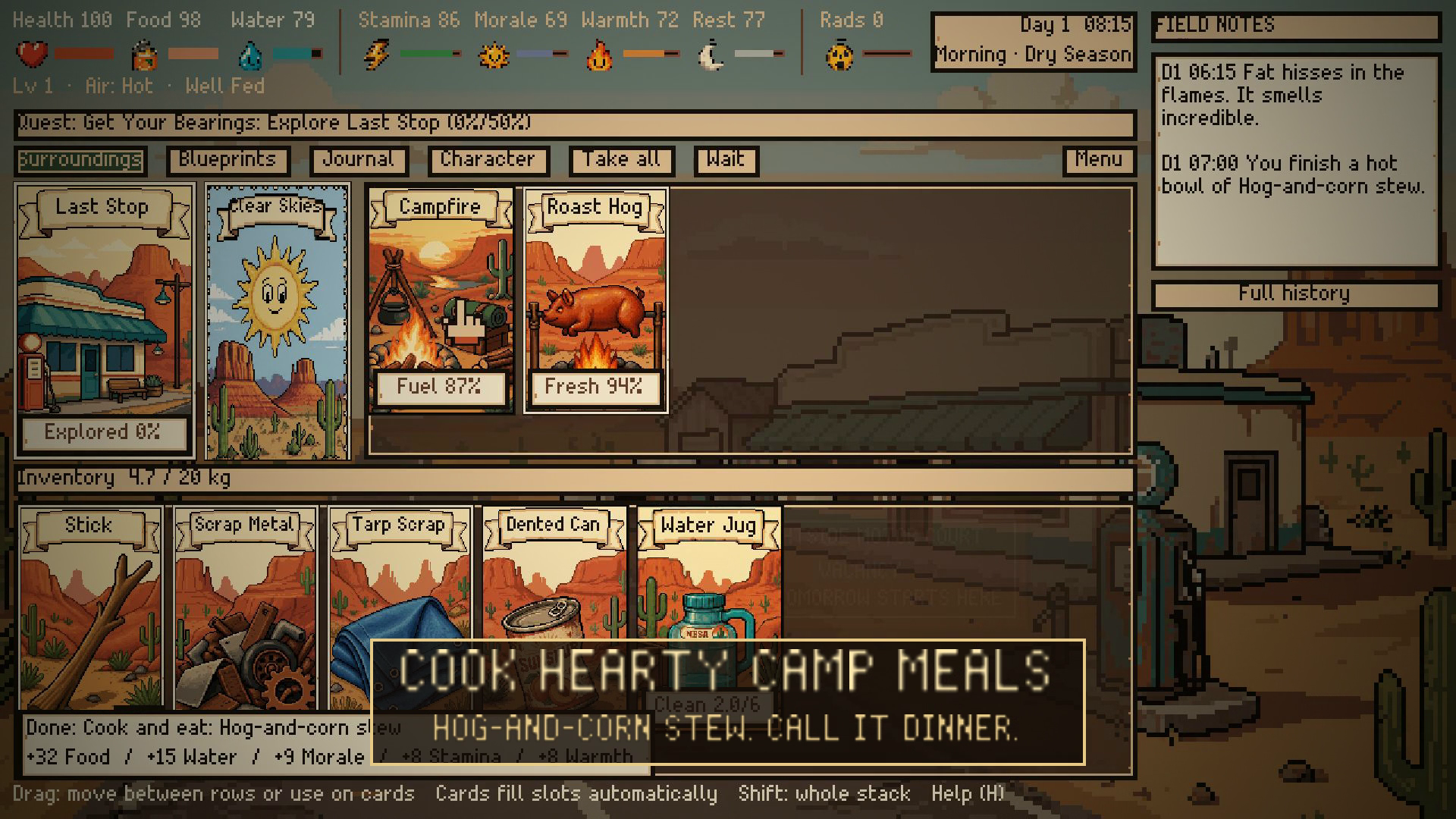
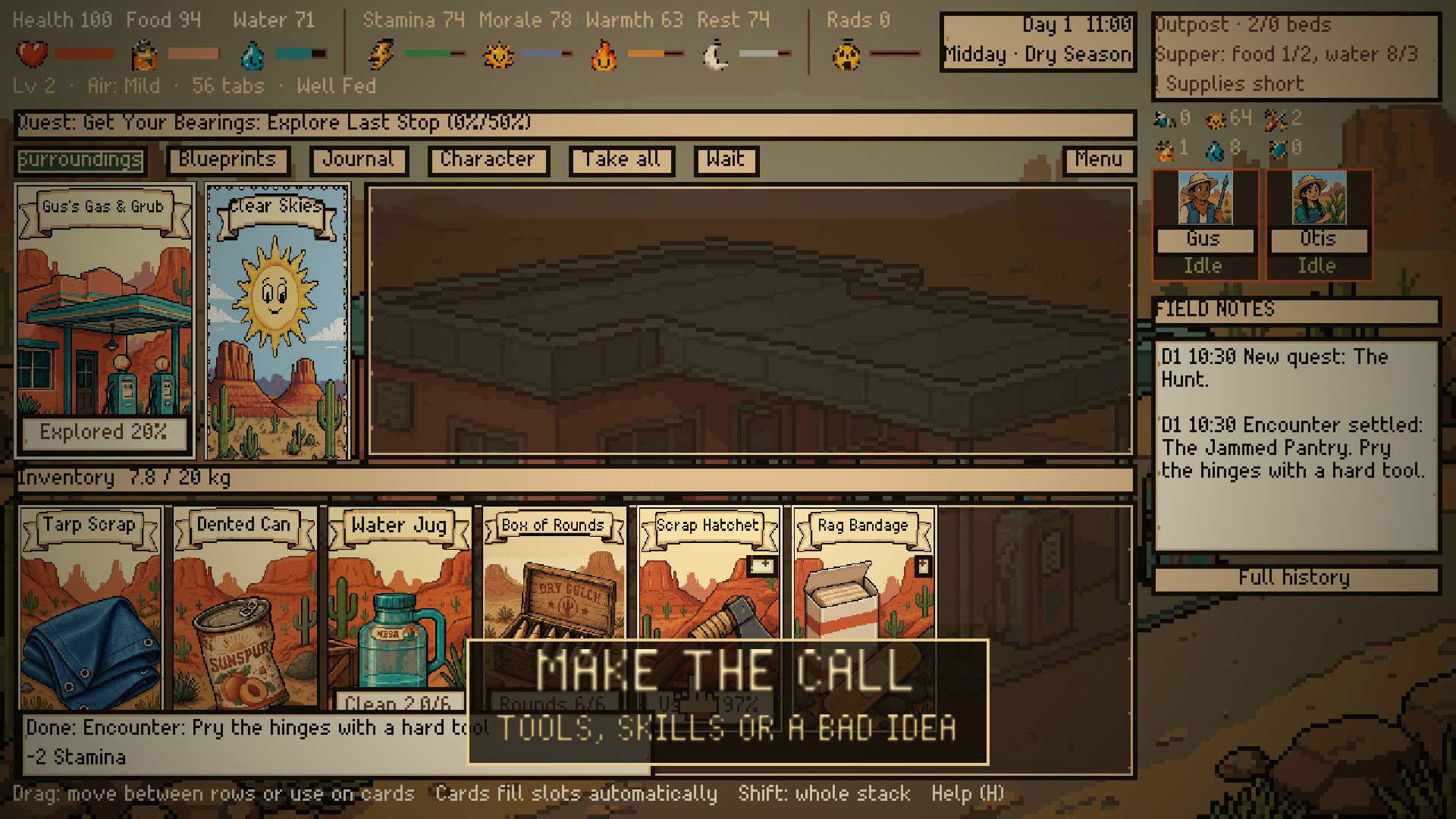
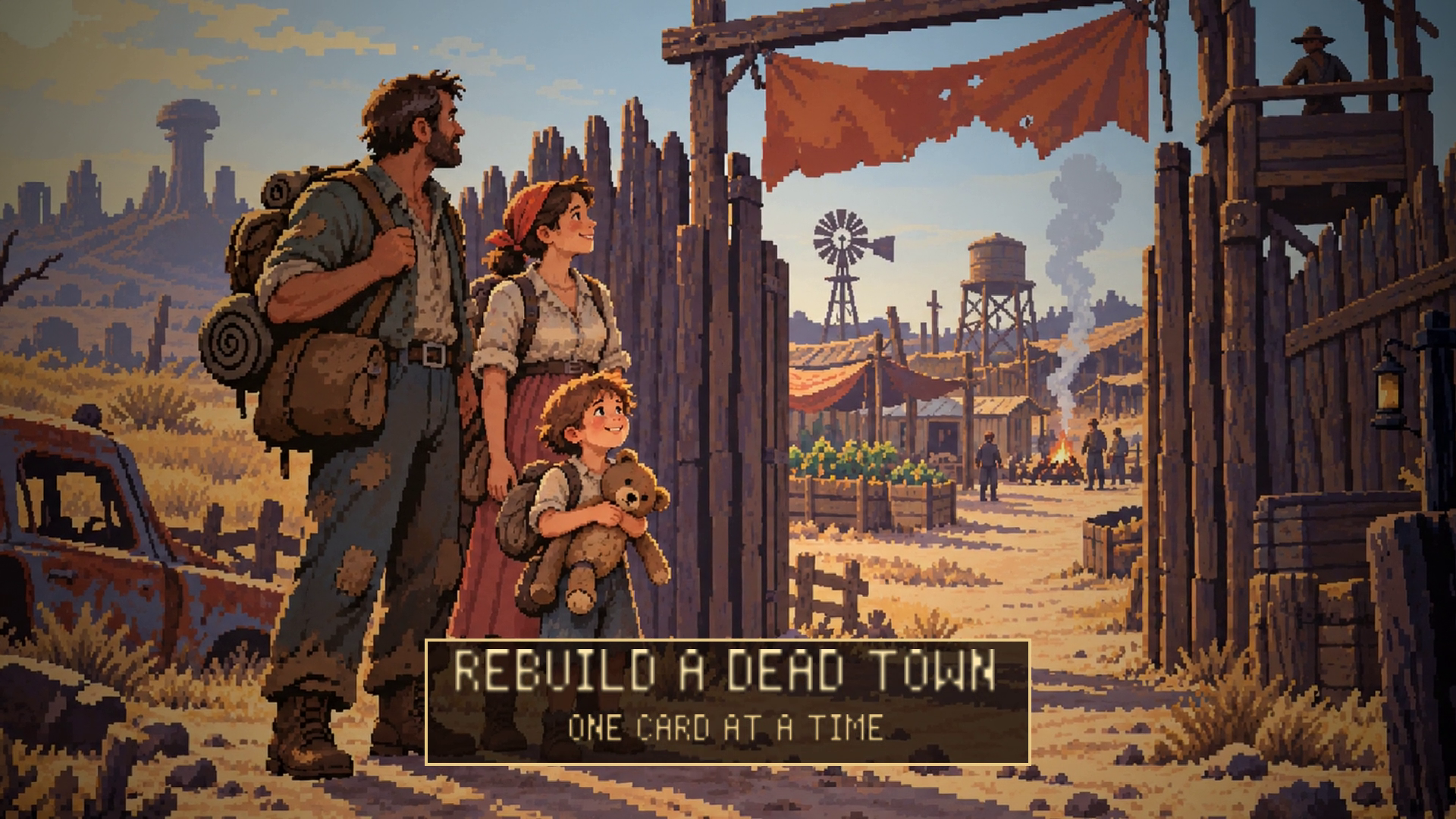
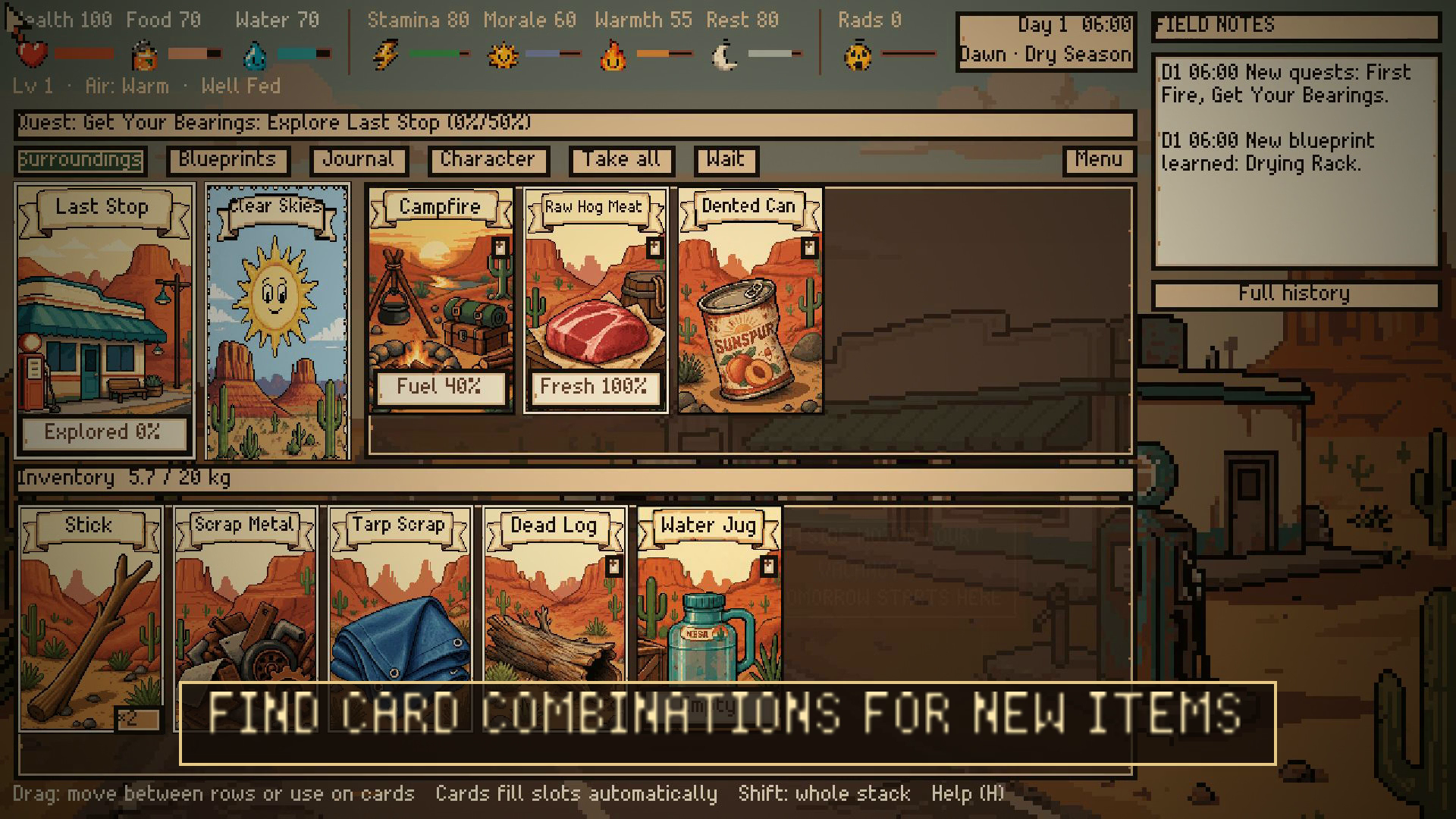
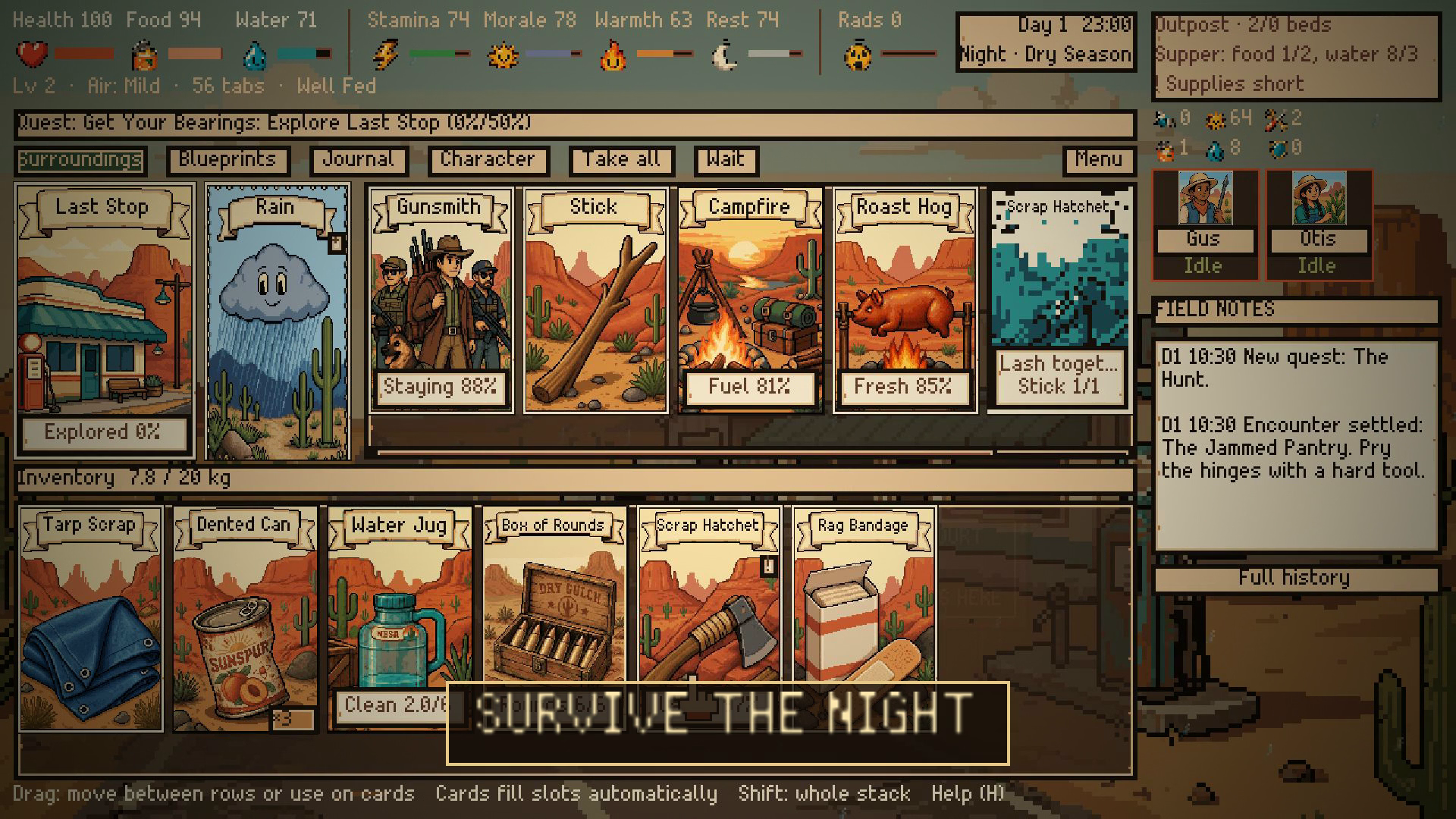
Scavenge the Arizona desert, turn scraps into useful tools, and give the abandoned town of Last Stop a second chance. Find food and water, craft equipment, welcome settlers, and prepare for raids.
Try 30 days free
Play up to 30 in-game days in demo v0.1.1, available in your browser and for Windows and Mac. Restore the roadside garage to complete the demo goal, then keep exploring the early area through day 30. All characters and difficulties are available. Existing seven-day saves can continue in the updated demo. Replay as often as you like.
Help shape BRIGHTSIDE
This free demo is available for feedback while development continues. Share your thoughts on the tutorial, survival balance, bugs, and what you would like to see next in the comments below. The full game is not available for purchase yet.
Keep your save
Use Export save to keep a backup of your progress or move it between the browser and downloadable demo. Import save lets you load that backup. Save transfer is manual; cloud sync is not included.
Mac builds
Universal apps for Apple Silicon and Intel Macs. These builds are ad-hoc signed, not Apple-notarized, and have not yet been playtested on a Mac.
Controls
Click cards for actions. Drag cards to move them or use them together. Open How to play for the guided tutorial. Keyboard shortcuts can be changed in Settings.
Tell us what you think
Was anything confusing? Was survival too easy or too hard? Did you want to keep playing after the demo? Leave a comment below. For bugs, please include your browser or operating system and what happened just before the issue.
Download
Install instructions
Windows: Extract the ZIP, then run LastStopBrightside-Demo.exe. Mac: Extract the ZIP and move the .app to Applications, then open it. Mac apps are ad-hoc signed and not Apple-notarized; macOS may block first launch. No Godot installation is needed. To move progress between the browser and downloadable demo, choose Export save, then Import save on the other version. Save normally afterward.
Development log
Leave a comment
Log in with itch.io to leave a comment.